Why Small Files Need Memory
Compare actual compressed file sizes with a transparent pixel-buffer calculation, without claiming a device memory benchmark.
Last checked October 20, 2026
Disk size and decoded pixels
These downloadable JPGs have the same dimensions but different encoded sizes. Each needs 4,320,000 bytes for one hypothetical 8-bit RGBA buffer: 1200 × 900 × 4. That is a calculation, not a measurement of total browser memory.
| Sample | Actual file bytes | One RGBA buffer |
|---|---|---|
| Porcelain cup photograph | 47,070 B | 4,320,000 B |
| Seeded random noise | 774,165 B | 4,320,000 B |
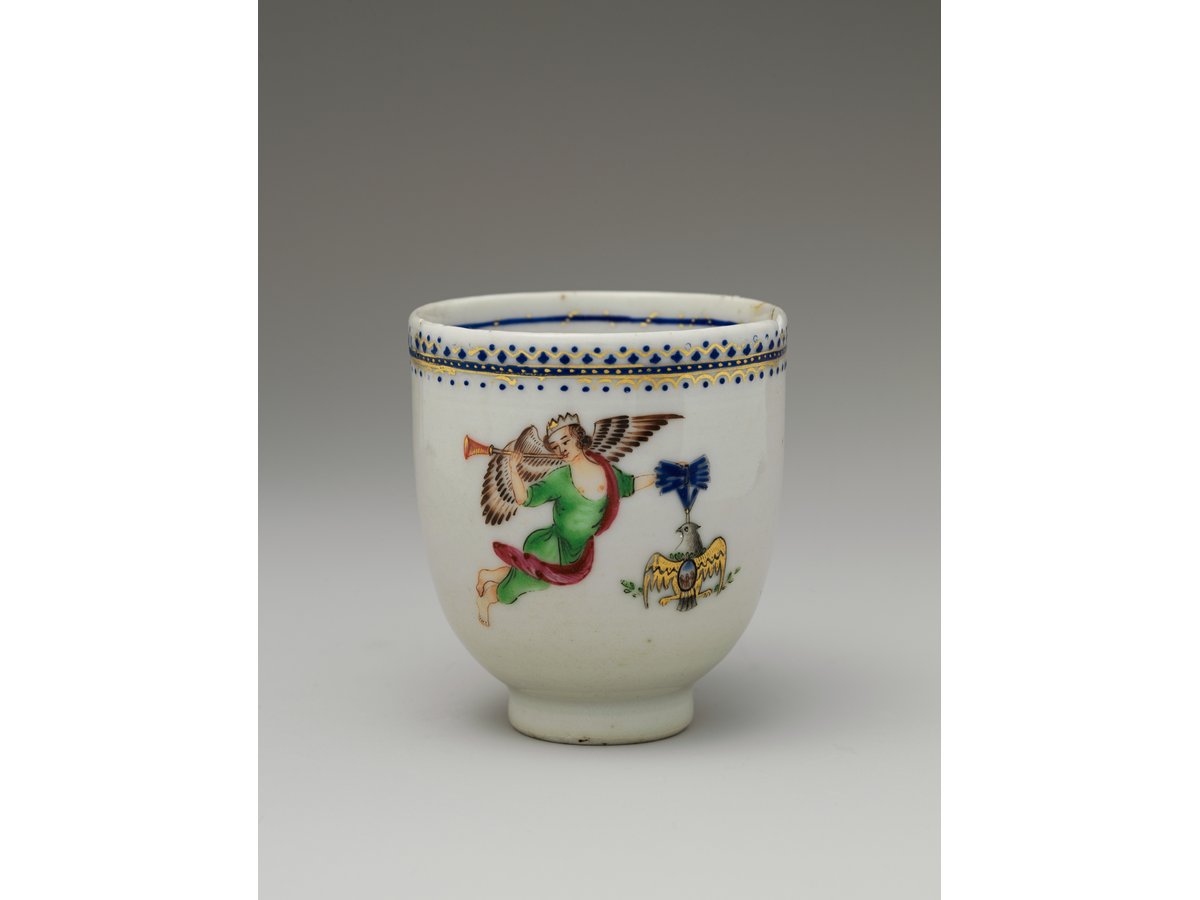

A small compressed file can still have many pixels. Decode copies, canvases and thumbnails add overhead. Use dimensions and smaller batches to diagnose a stalled tab; do not infer device limits from this table.
Image sources and reproduction
Photographs: Coffee Cup, The Metropolitan Museum of Art; Coffee cup and coffee bean, mcfoodie. Both are CC0. They are third-party test material, not photographs taken by this project. Pattern, text, transparency and noise fixtures are generated tests.


Measured 2026-10-20 with sharp 0.35.4, libvips 8.18.6, Node 24.13.1. Download all dimensions, byte counts and SHA-256 hashes. Reproduction script.
The file and its decoded pixels
JPEG and WebP store an encoded representation. To display or manipulate it, a browser decodes image information and may create canvases, thumbnails and additional buffers. Compression efficiency therefore does not describe all working-memory costs.
The four-bytes-per-pixel model is useful for explaining scale. It is not a claim that every browser uses exactly that representation for every operation. High-bit-depth sources, decoder storage and implementation details can require a different amount.
Use the distinction to diagnose
When a tab struggles, test one image and reduce dimensions before assuming that changing the extension will fix it. Reducing both width and height by half reduces pixel count to one quarter; the visual result must still be sufficient for the destination.
Image Prep limits batch size and output pixels to reduce risk. Those safeguards are not a guarantee that a low-memory device can complete the maximum batch. The troubleshooting guide gives the recovery procedure without presenting a theoretical estimate as a device benchmark.
Sources checked
- MDN: ImageData pixel representations · MDN Web Docs
- MDN: createImageBitmap · MDN Web Docs