JPG, PNG and WebP Compared
Six downloadable inputs and actual format exports show how photographs, text, patterns and noise change file-size results.
Last checked October 20, 2026
Same pixels, different files
Actual reference-encoder exports, measured 2026-10-20. Every input is 1200 × 900 pixels, flattened onto white. JPG and WebP use quality 85; PNG uses lossless encoding. Equal quality numbers do not mean equal visual quality across formats.
| Test image | JPG | PNG | WebP |
|---|---|---|---|
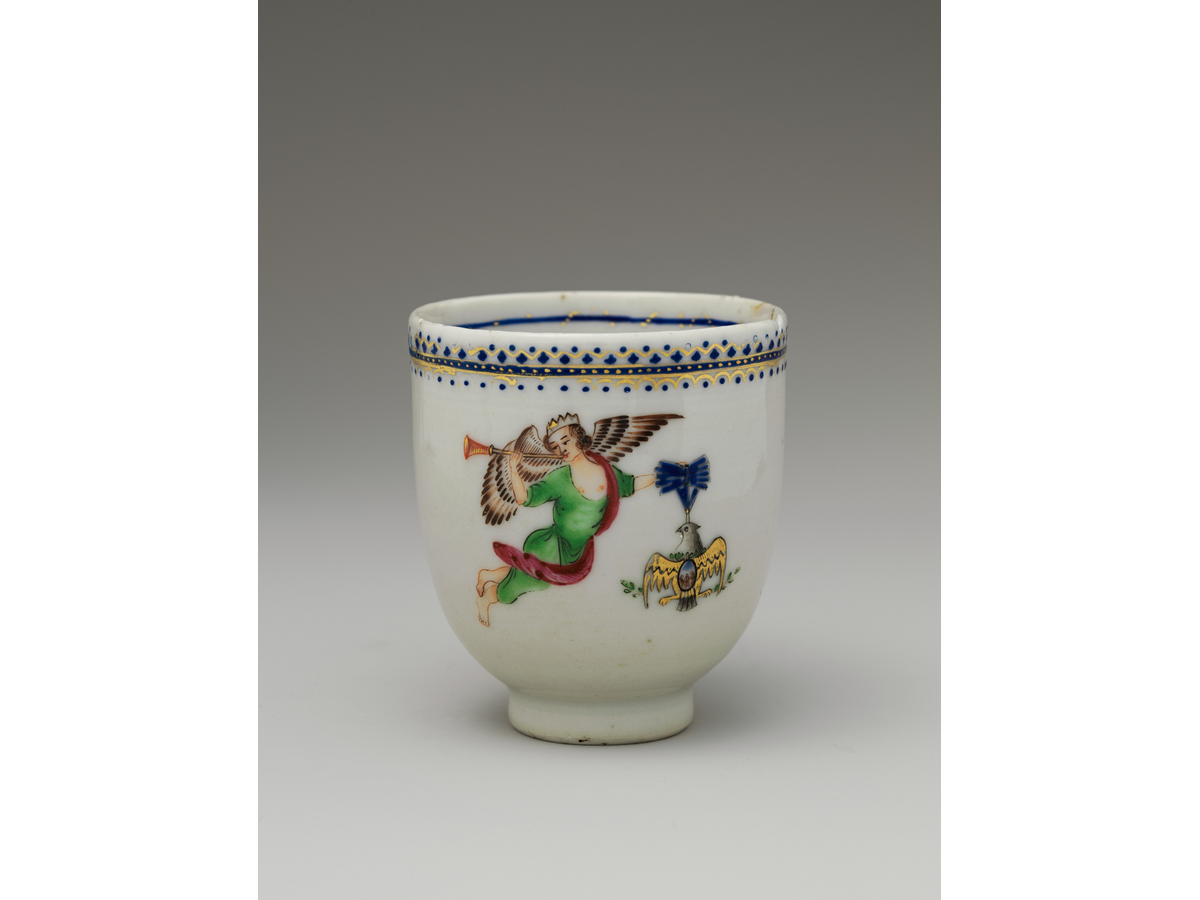
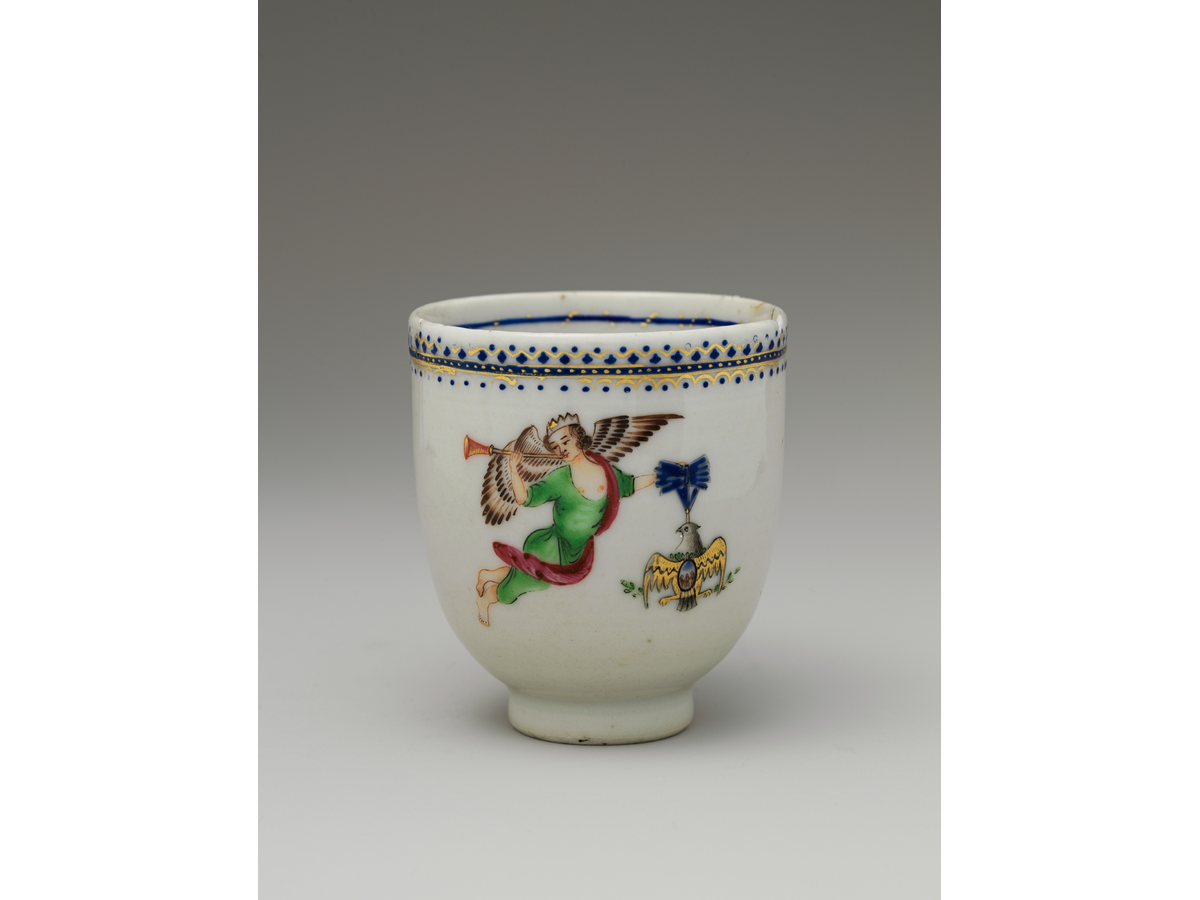
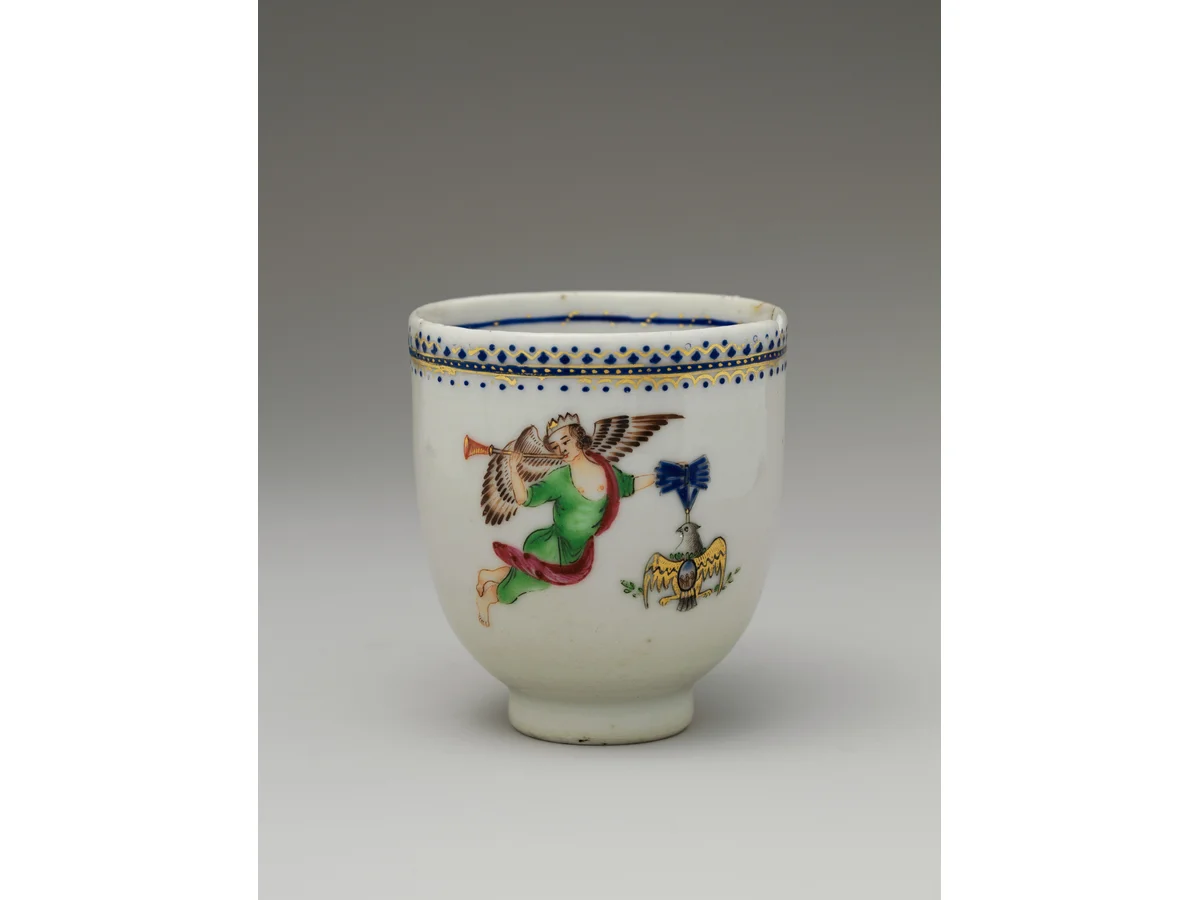
| Porcelain cup photographPhotograph | 47,070 B | 656,075 B | 25,952 B |
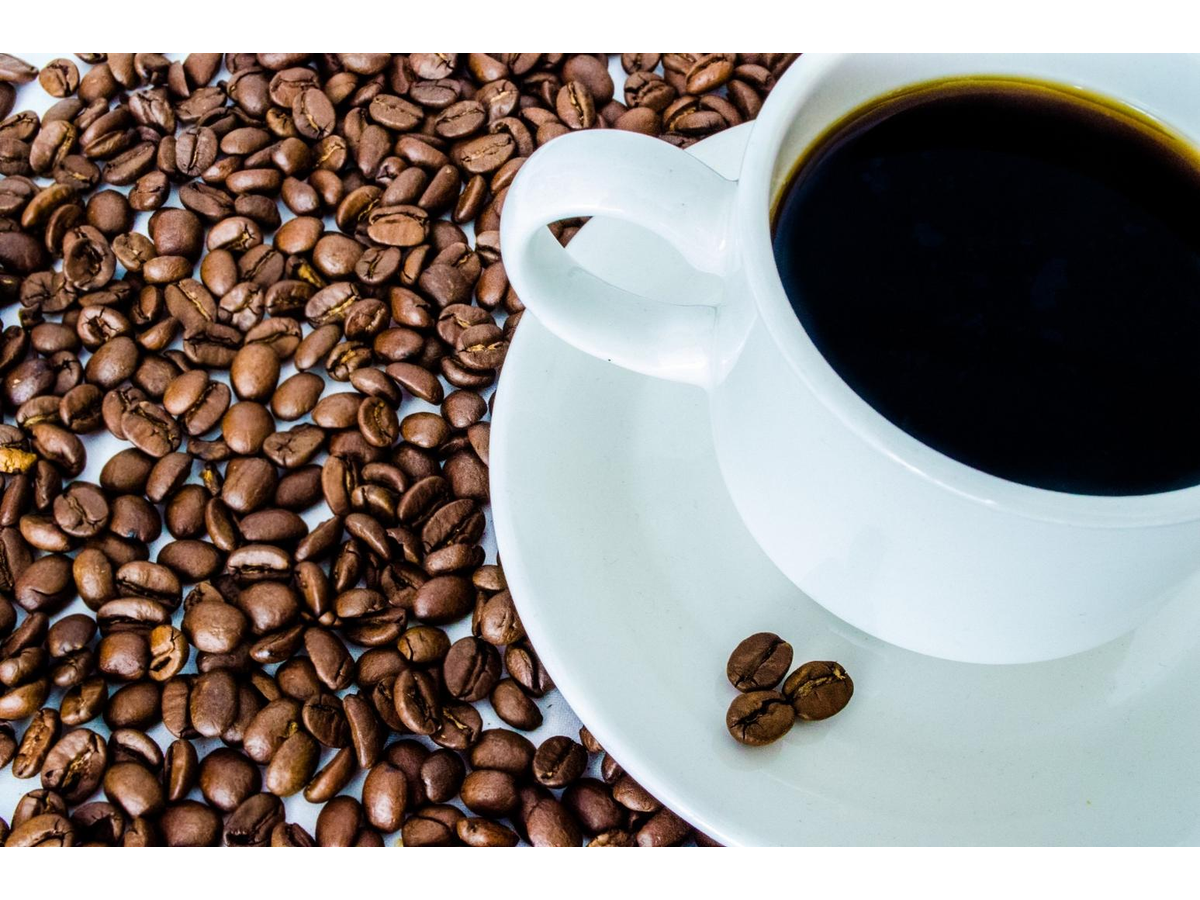
| Coffee and fine texturePhotograph | 186,739 B | 1,777,392 B | 128,562 B |
| Text and sharp edgesSynthetic test graphic | 34,870 B | 27,844 B | 12,646 B |
| Fine woven patternSynthetic test graphic | 477,374 B | 32,538 B | 452,292 B |
| Transparent graphicSynthetic test graphic | 29,182 B | 25,219 B | 11,008 B |
| Seeded random noiseSynthetic stress test; not a photograph | 774,165 B | 3,246,714 B | 813,096 B |
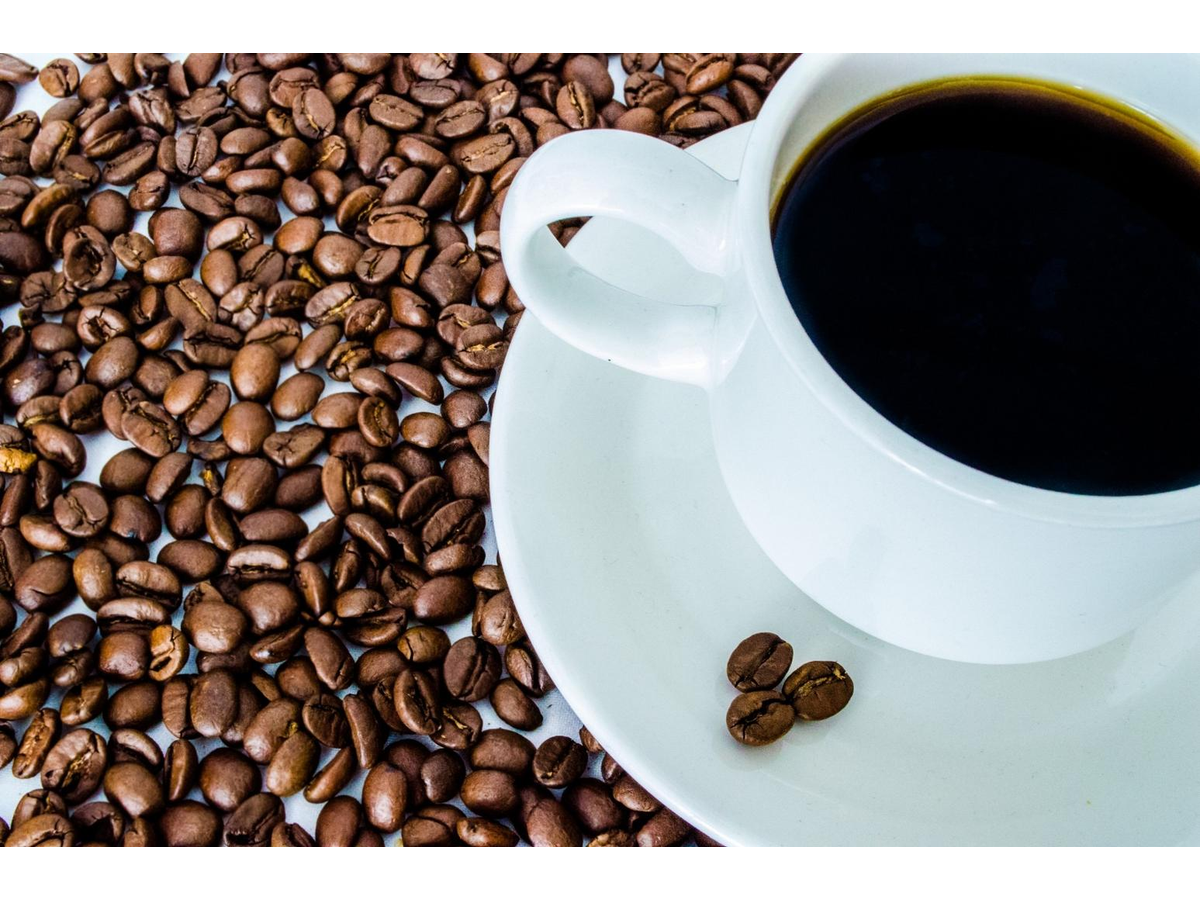
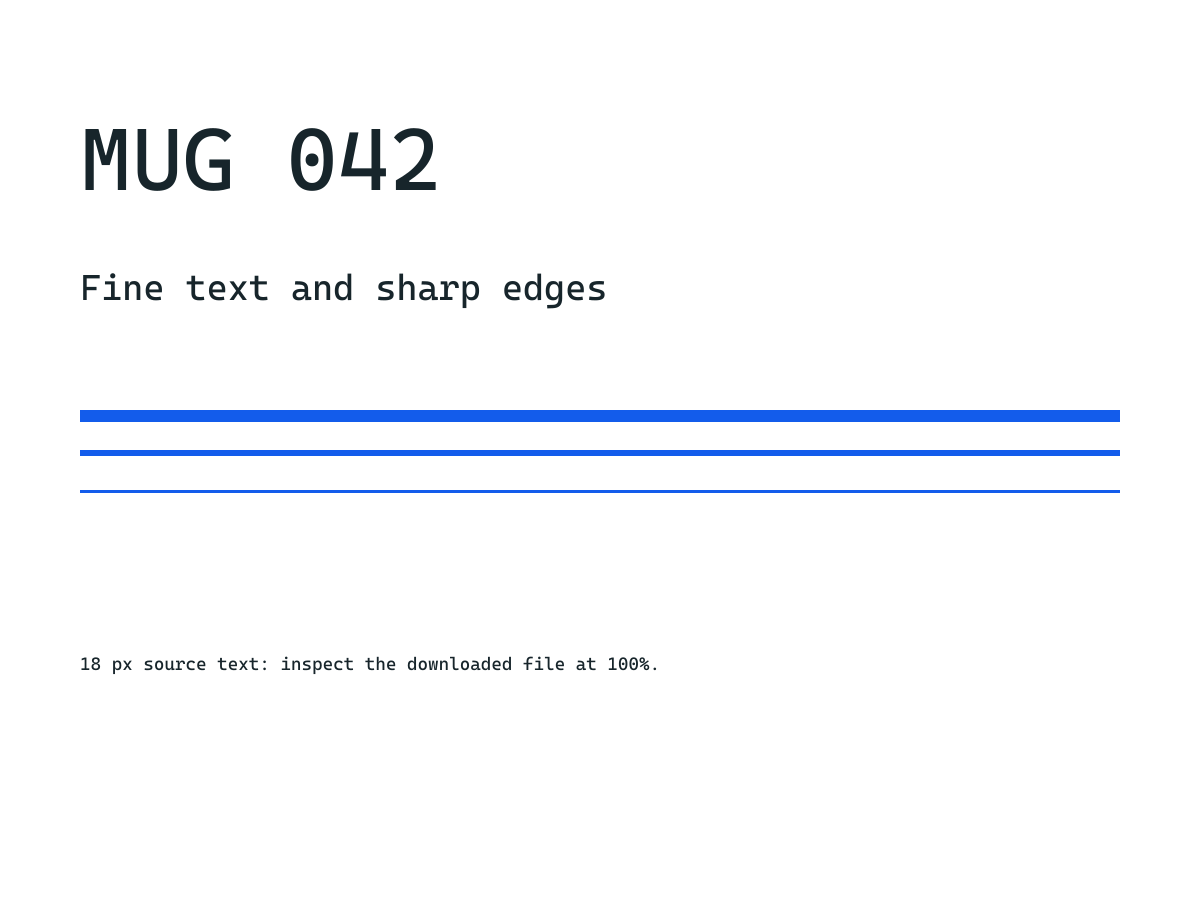
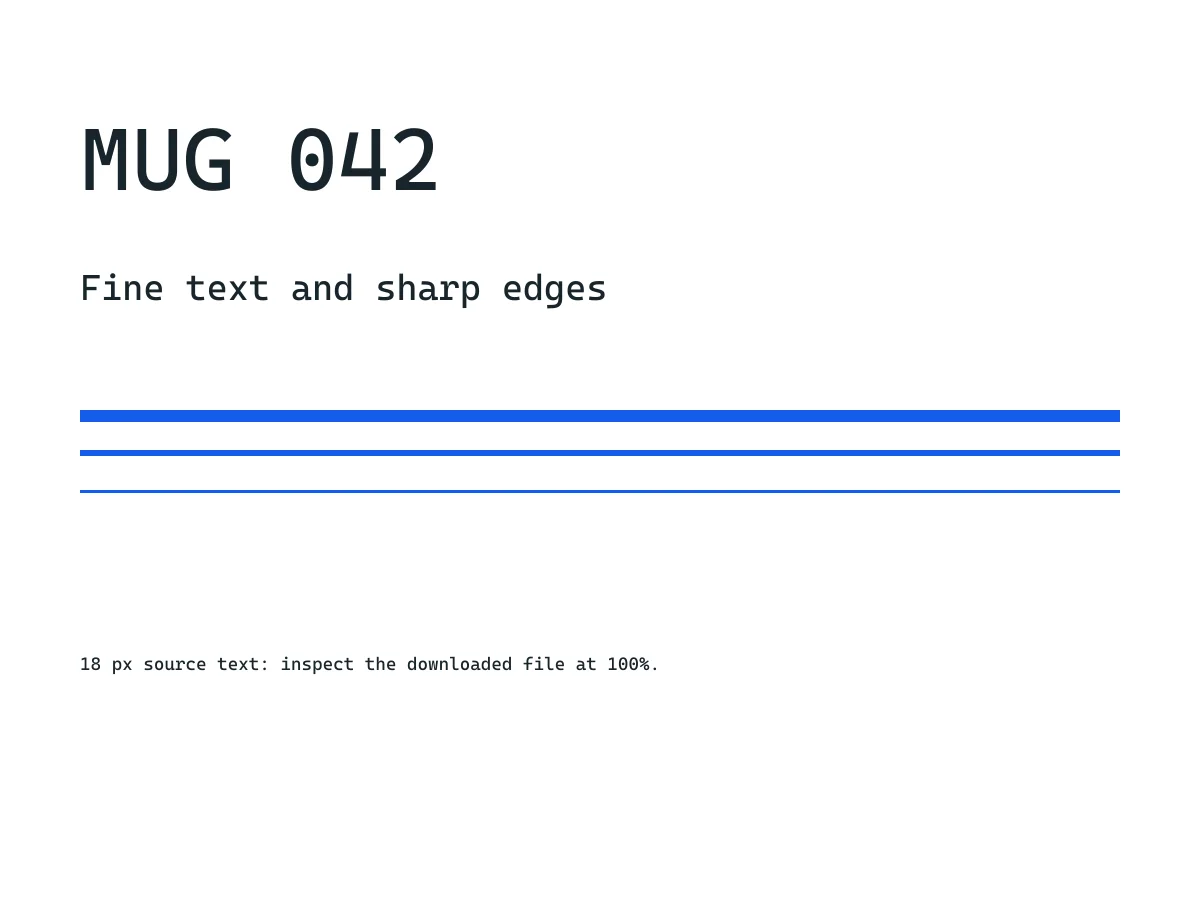
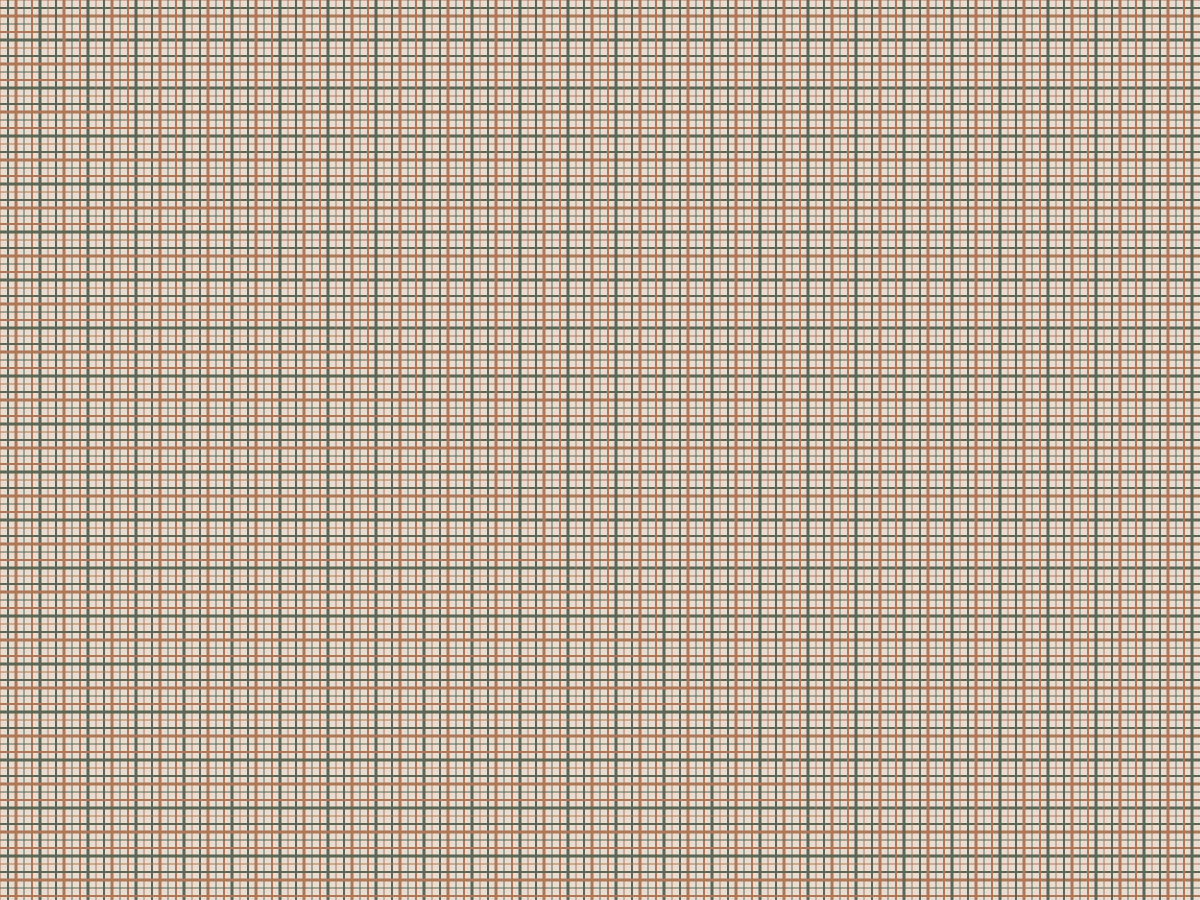
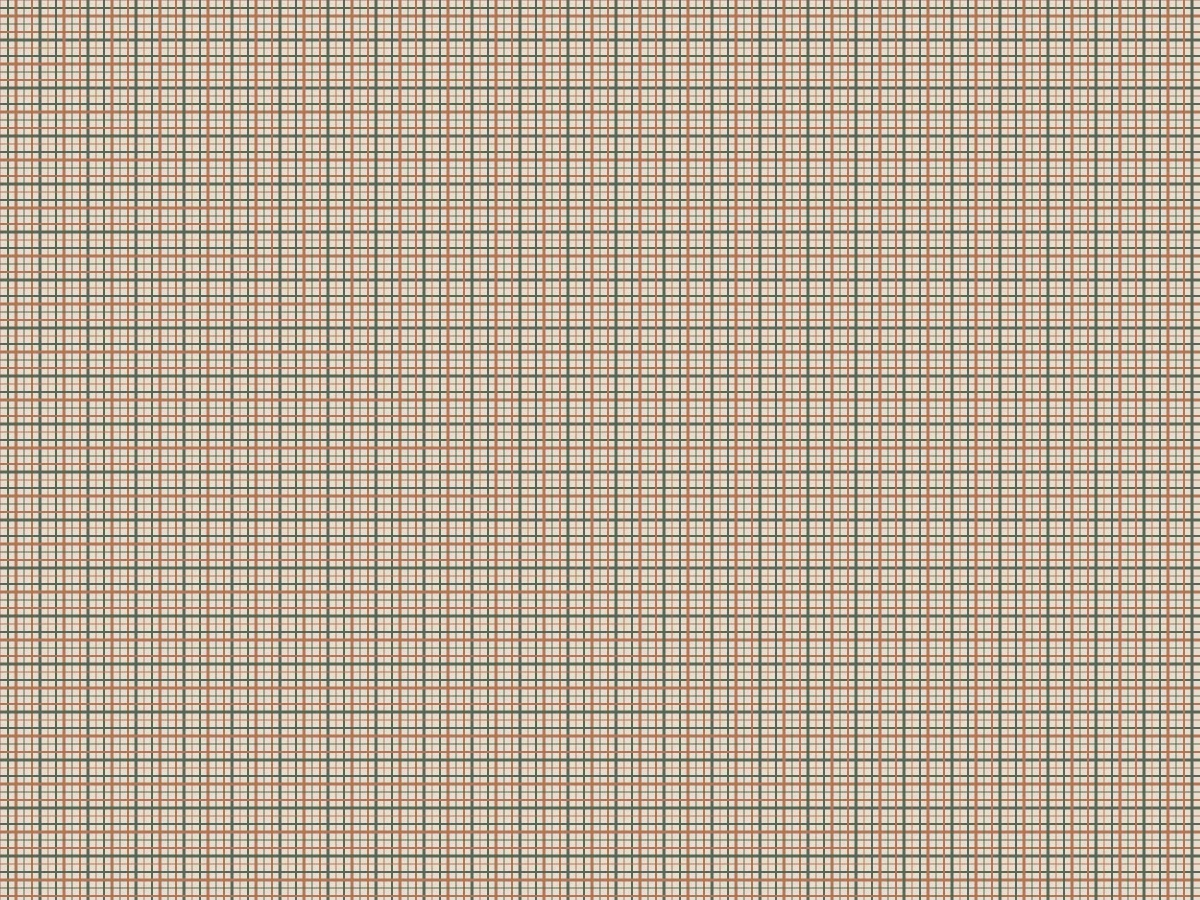
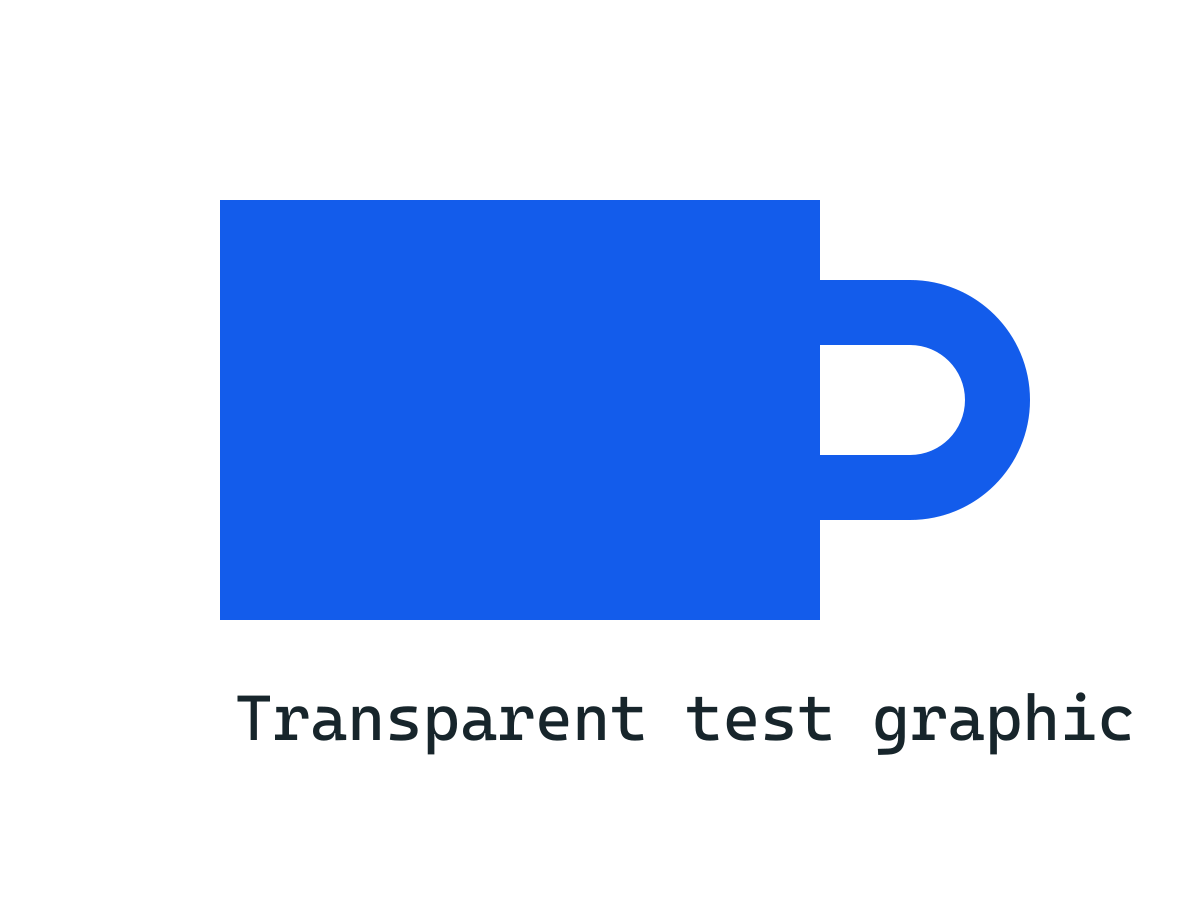



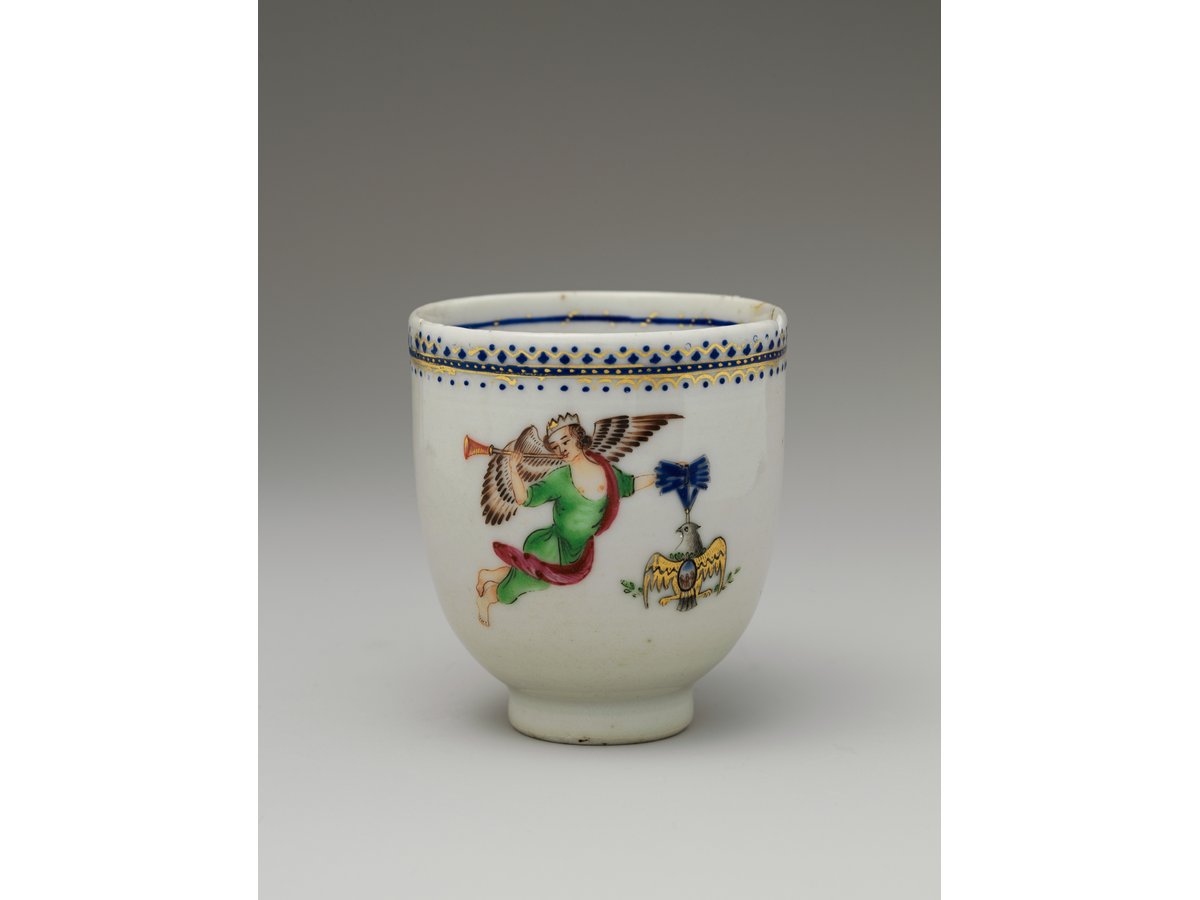
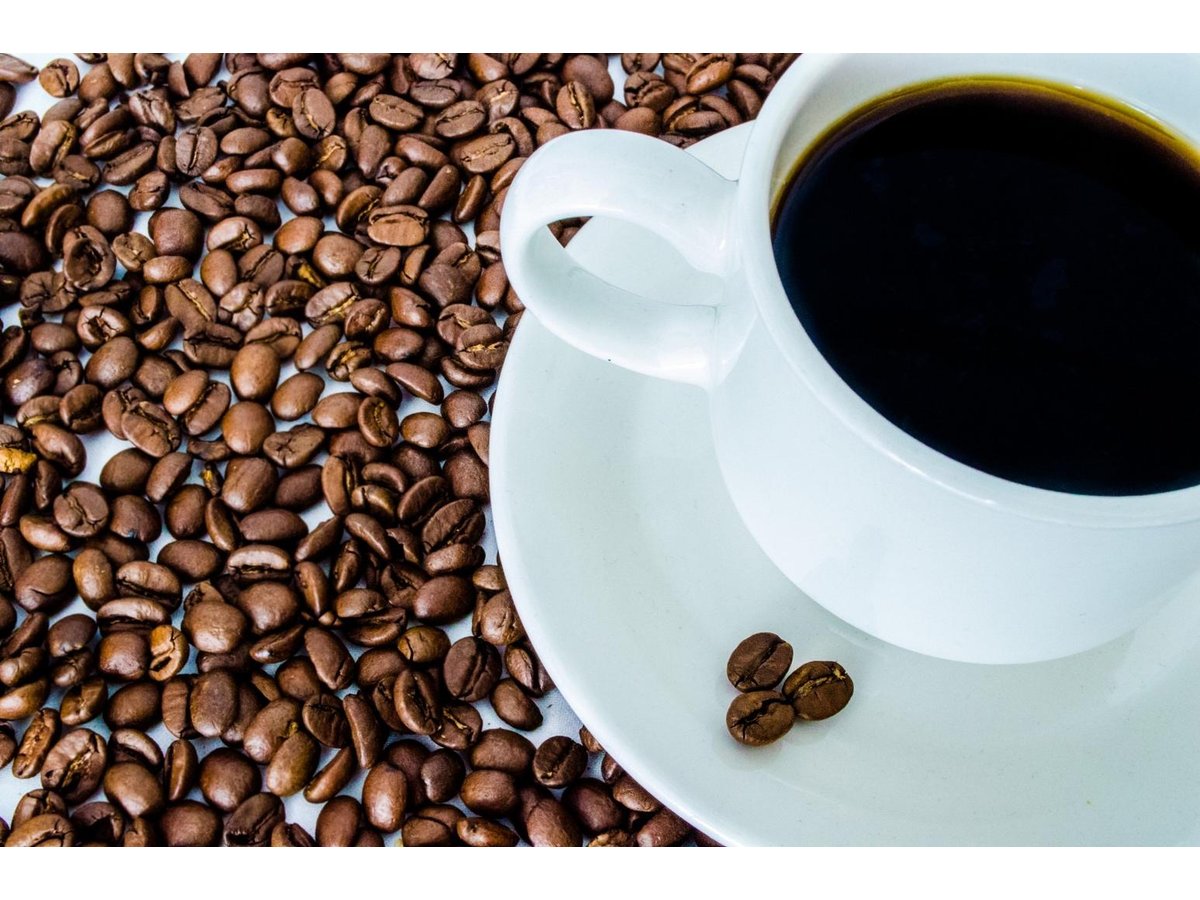
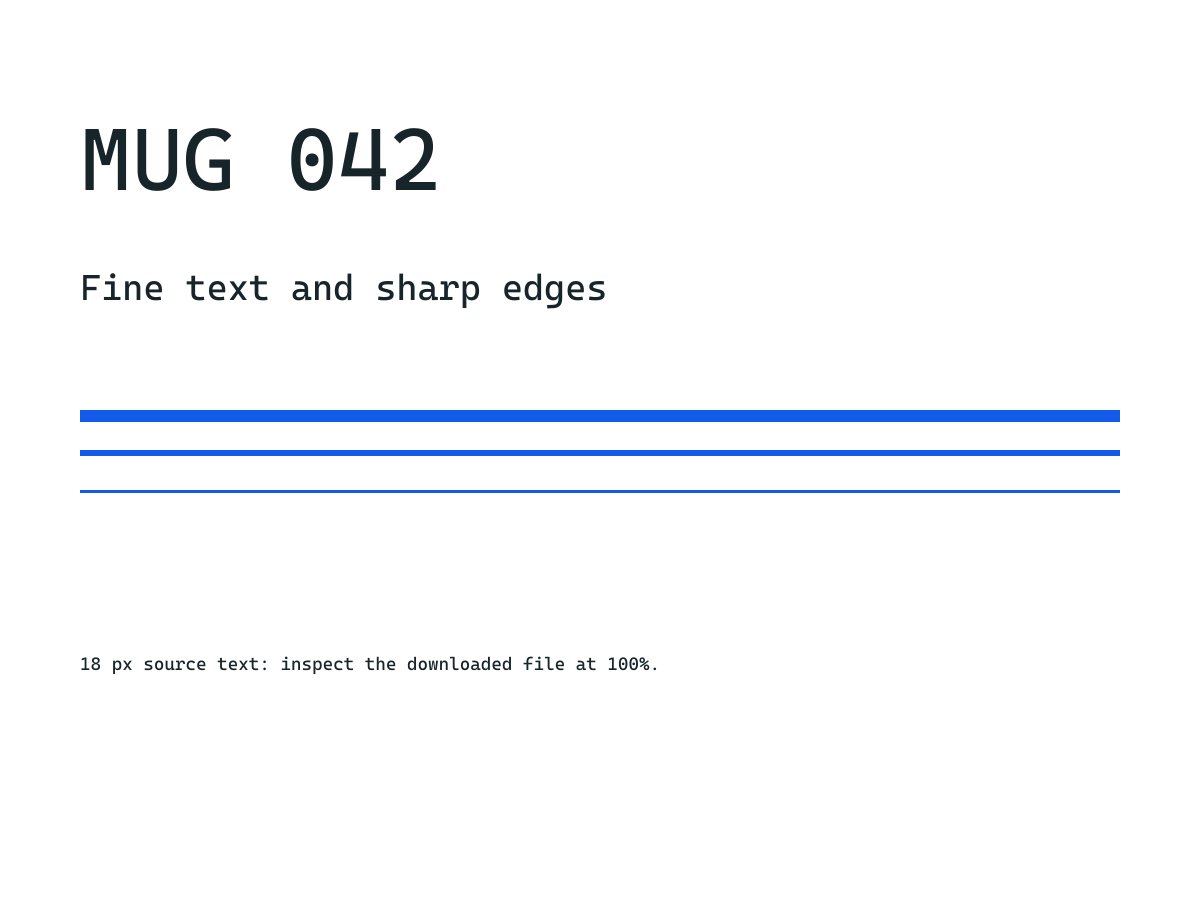
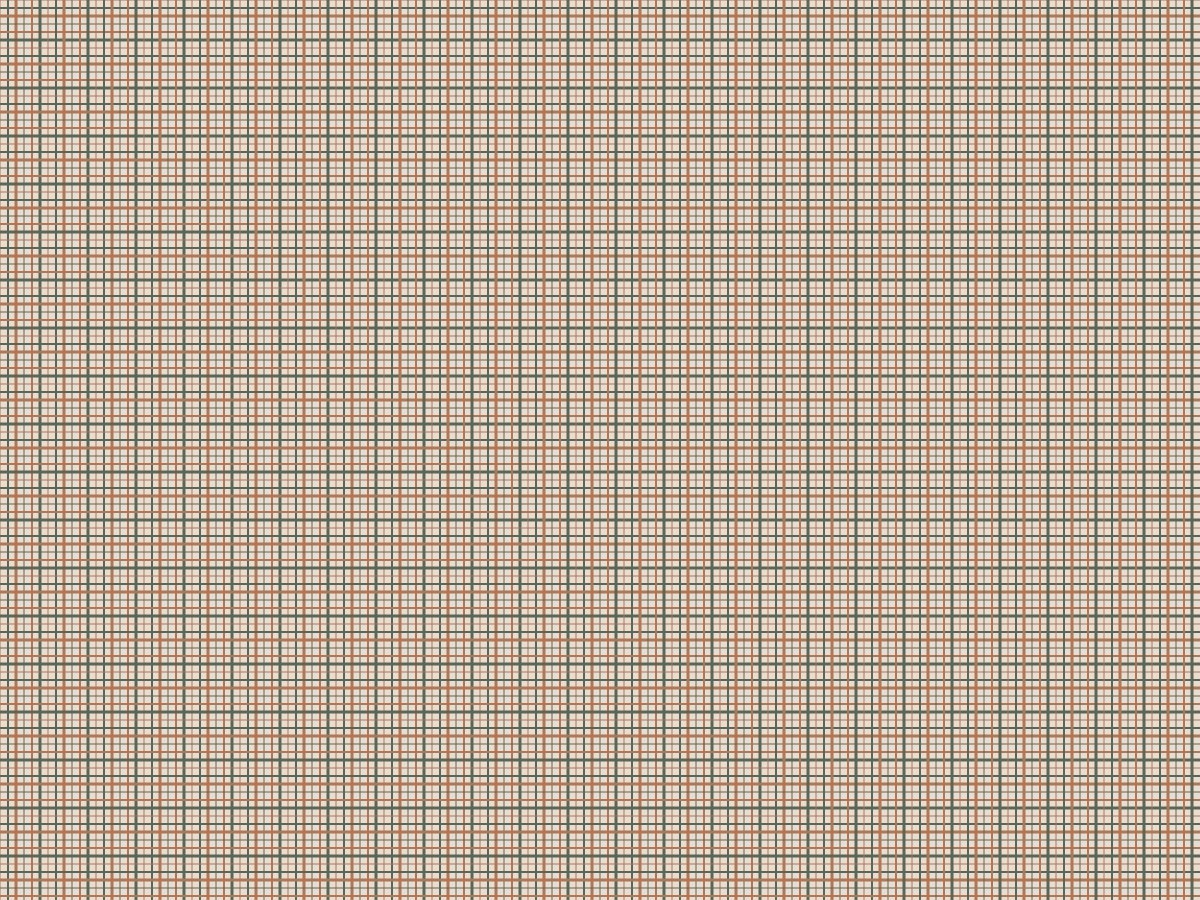
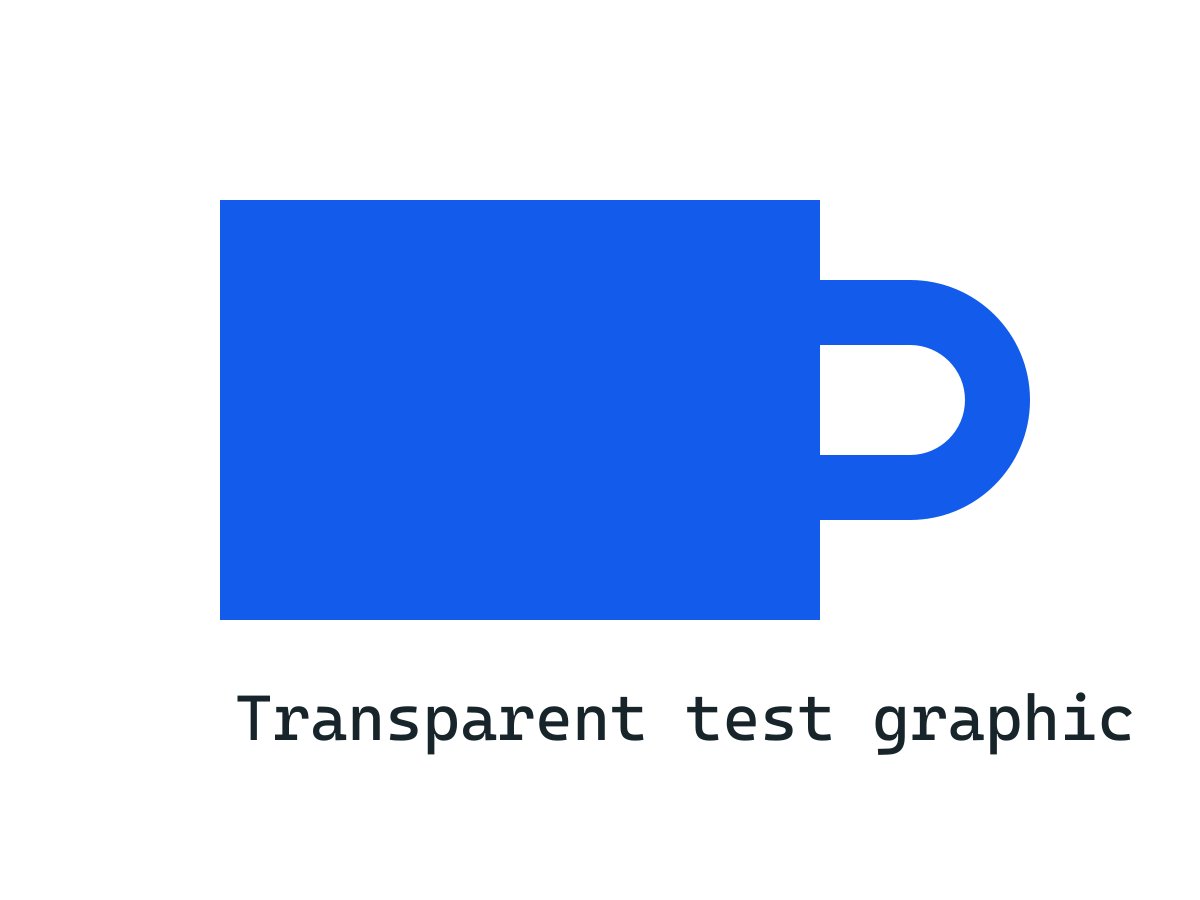

The woven pattern favors PNG; the seeded noise favors JPG over WebP. These fixtures demonstrate dependence on image content, not a universal format ranking. Your browser and marketplace can encode differently.
Image sources and reproduction
Photographs: Coffee Cup, The Metropolitan Museum of Art; Coffee cup and coffee bean, mcfoodie. Both are CC0. They are third-party test material, not photographs taken by this project. Pattern, text, transparency and noise fixtures are generated tests.


Measured 2026-10-20 with sharp 0.35.4, libvips 8.18.6, Node 24.13.1. Download all dimensions, byte counts and SHA-256 hashes. Reproduction script.
What stayed constant
Every row uses one normalized PNG input. Dimensions, background and source pixels remain unchanged while the format changes. Photographs are fitted to the canvas; the generated cases already use the target size. The normalized inputs are published so a repeat test does not depend on recreating a museum download or a drawing.
The transparent test graphic is deliberately flattened to white before the three-format comparison. Its byte counts are therefore not an alpha-preservation test. The file-quality guide separately shows the transparent source and white/black composites.
Interpret the trade-off
Repeated structures can compress efficiently in PNG. Random noise contains many unpredictable pixels and is deliberately difficult to compress. A photograph of a real fabric or a detailed label can behave differently from either generated fixture.
Byte counts are reproducible; acceptable quality is a viewing decision. Compare important detail at normal display size and at 100%. No visual-quality score, marketplace acceptance, sales improvement or device-speed claim was measured.
- Choose a destination-supported format before optimizing bytes.
- Compare outputs from the same input and dimensions.
- Inspect label text, edges and texture rather than only file size.
- Repeat with a second relevant image before committing to a batch setting.
Sources checked
- Evidence generator and recorded input sources · Seller Operations Lab
- MDN: toBlob format and quality behavior · MDN Web Docs