Choose JPG, PNG or WebP
Compare measured exports from photographs, text, patterns and noise, then select a format without assuming the smallest file always looks best.
Choose by content and destination
Start with a format the destination supports. For an opaque photograph, JPG is a useful baseline; WebP is another option when accepted. PNG can suit sharp graphics and transparency, but photographs may become much larger. The measured files below show why the content matters: a pattern behaves differently from a photograph.
Choose dimensions before comparing compression. All outputs in each table row use the same normalized pixels. The quality parameter is an encoder instruction, not a percentage of visual quality, and the same numeric setting does not make JPG and WebP perceptually identical.
Same pixels, different files
Actual reference-encoder exports, measured 2026-10-20. Every input is 1200 × 900 pixels, flattened onto white. JPG and WebP use quality 85; PNG uses lossless encoding. Equal quality numbers do not mean equal visual quality across formats.
| Test image | JPG | PNG | WebP |
|---|---|---|---|
| Porcelain cup photographPhotograph | 47,070 B | 656,075 B | 25,952 B |
| Fine woven patternSynthetic test graphic | 477,374 B | 32,538 B | 452,292 B |
| Seeded random noiseSynthetic stress test; not a photograph | 774,165 B | 3,246,714 B | 813,096 B |
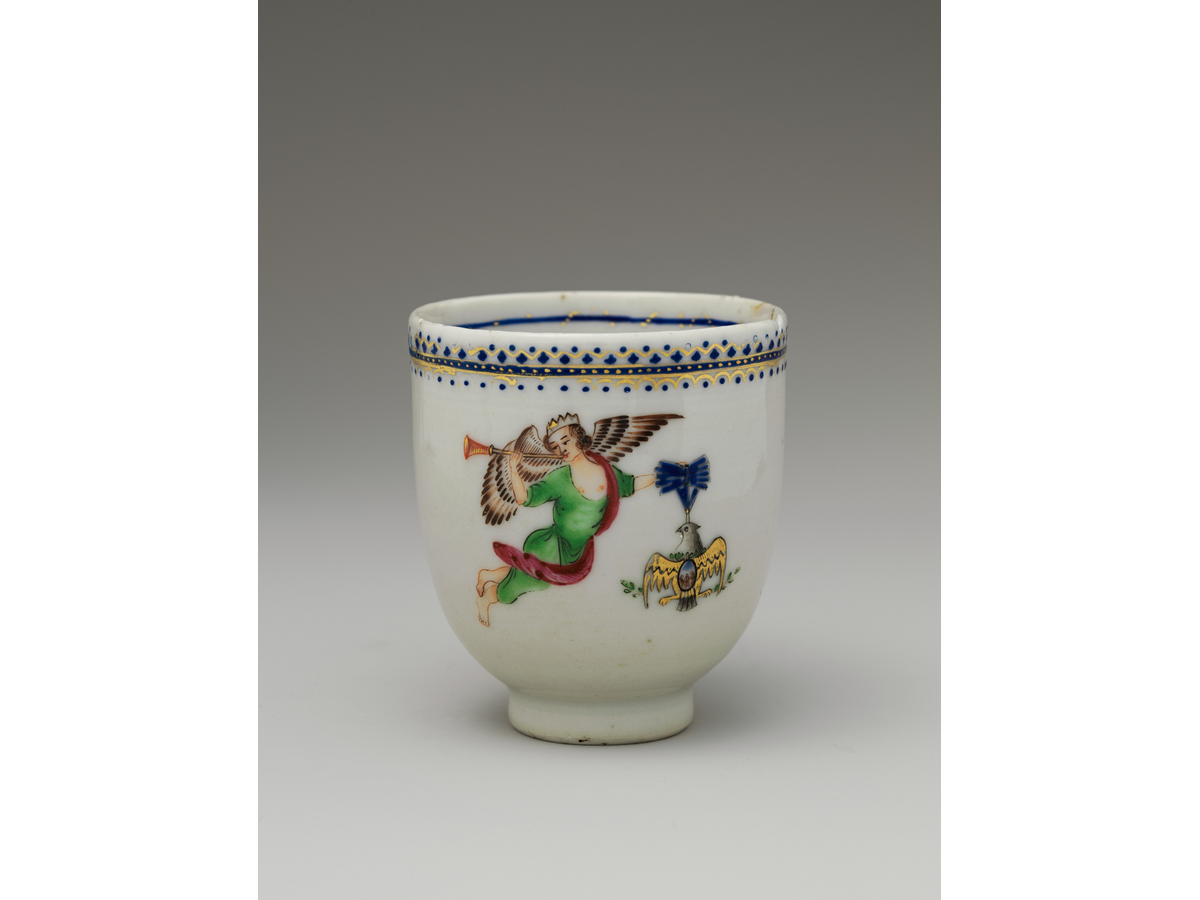
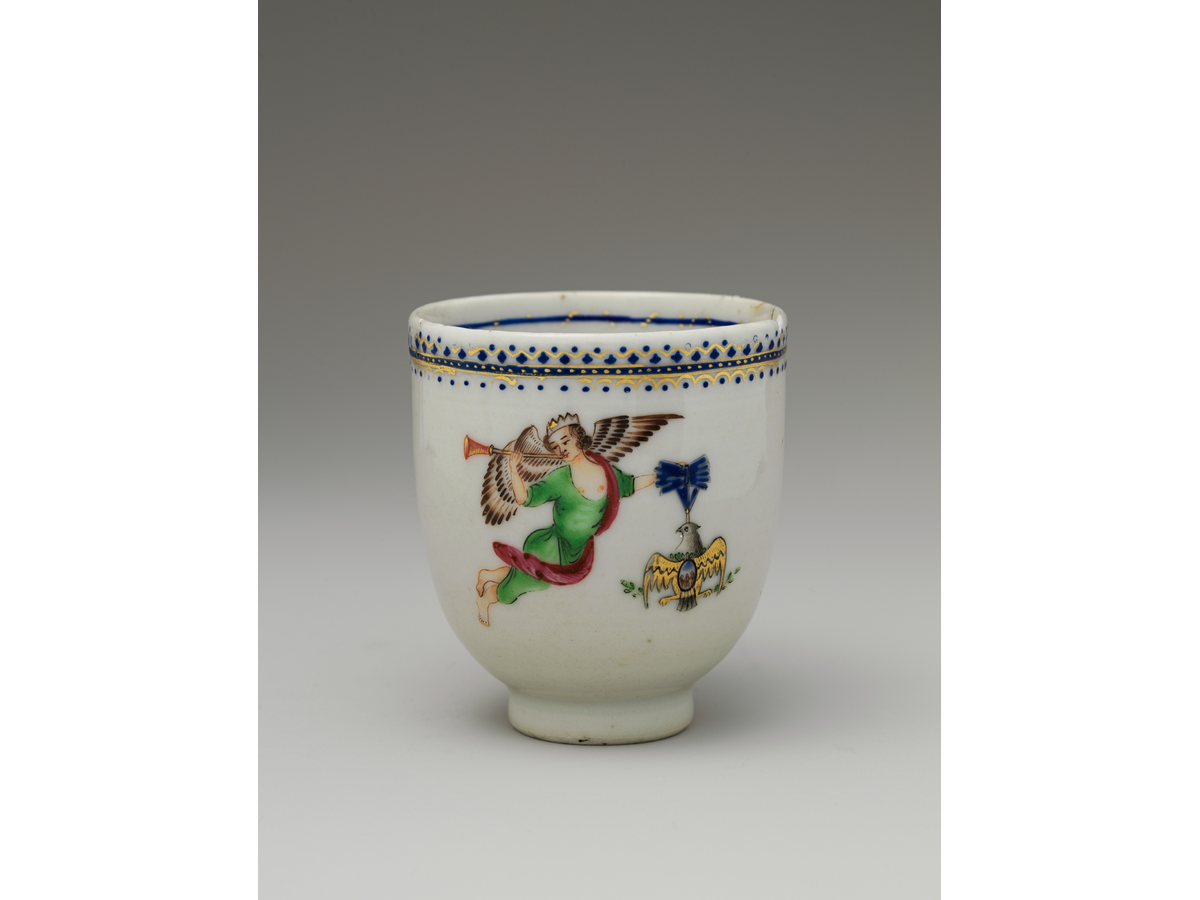
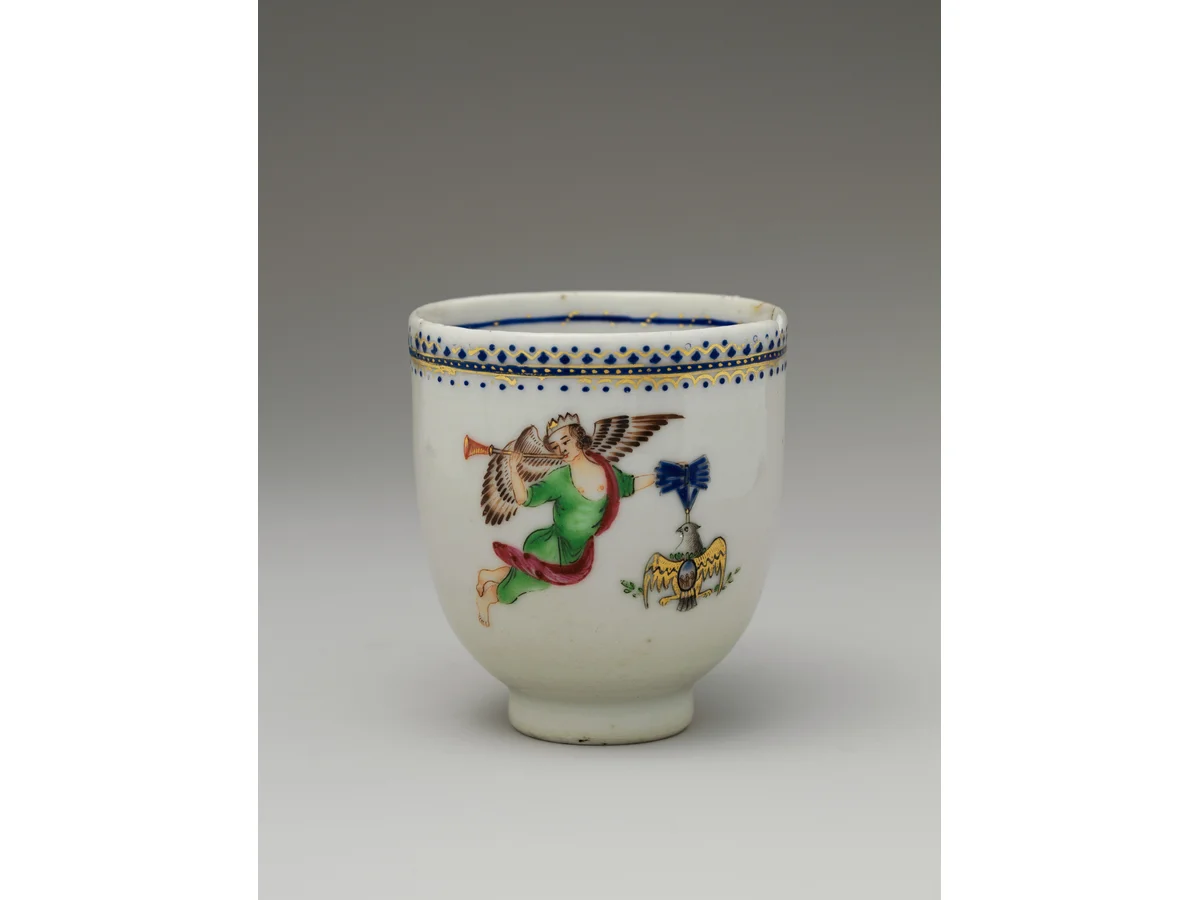
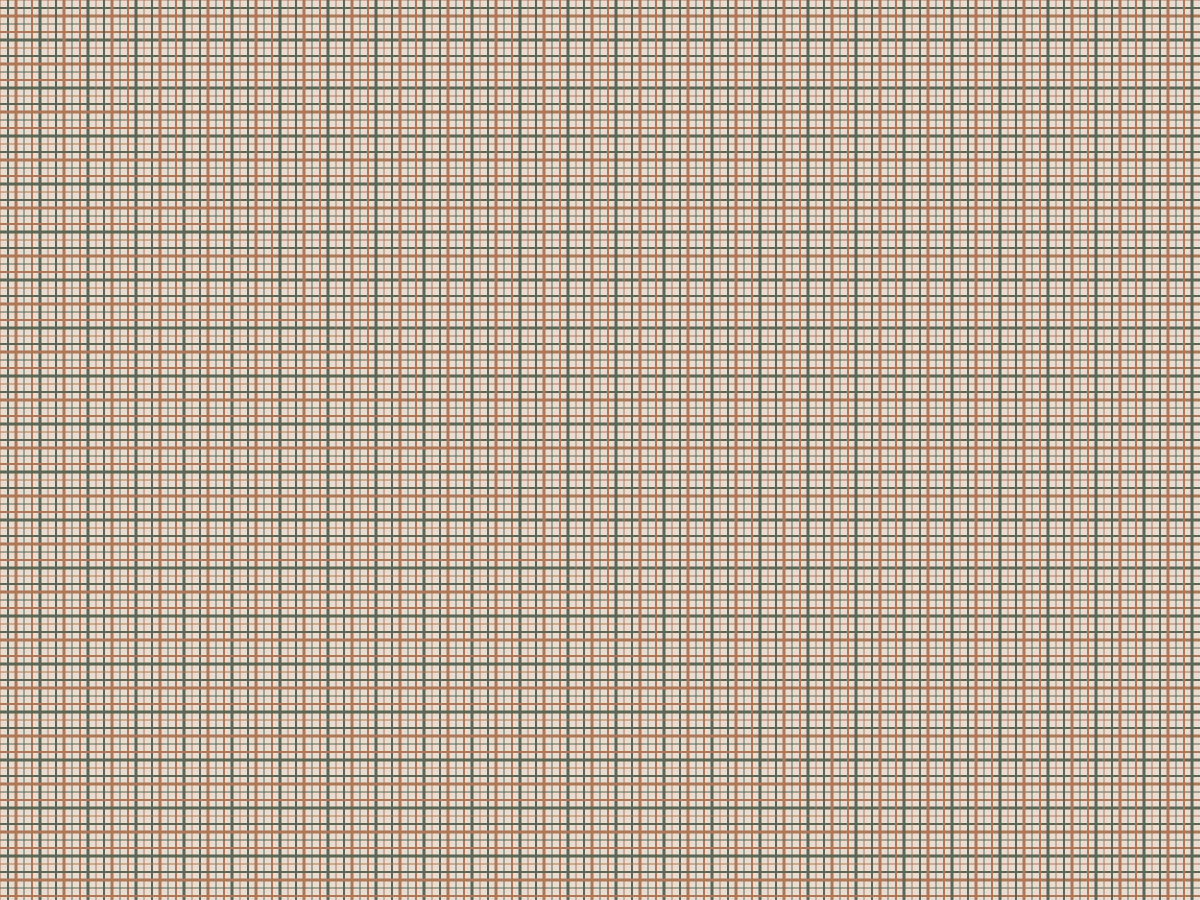
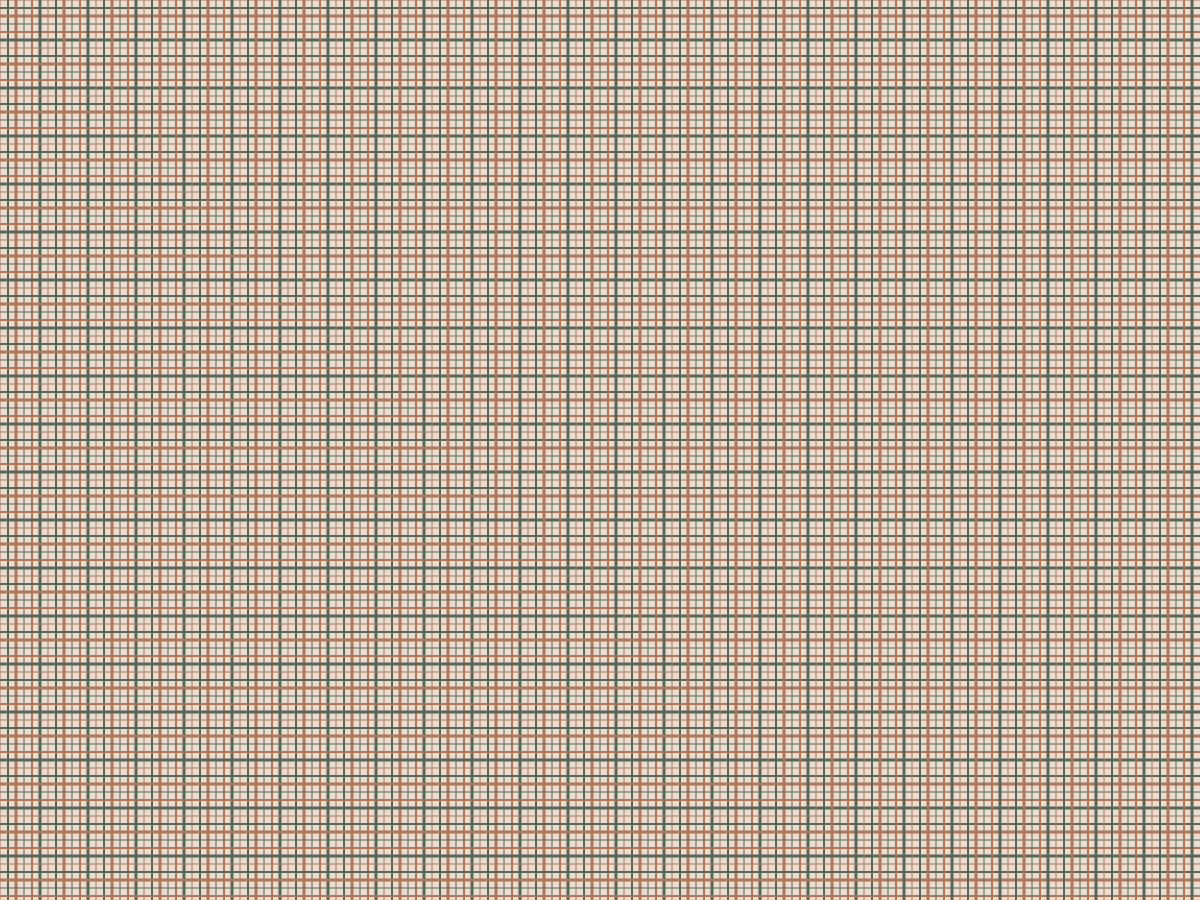
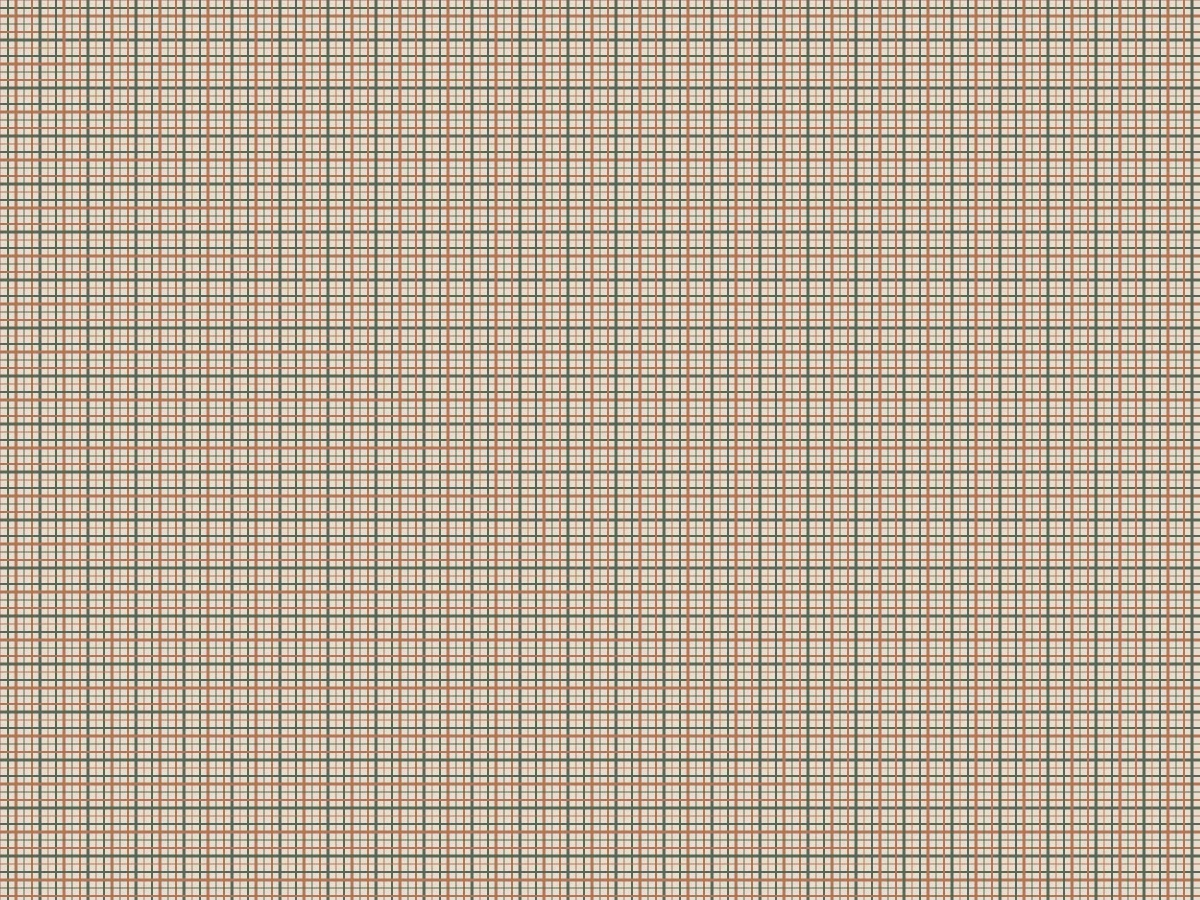




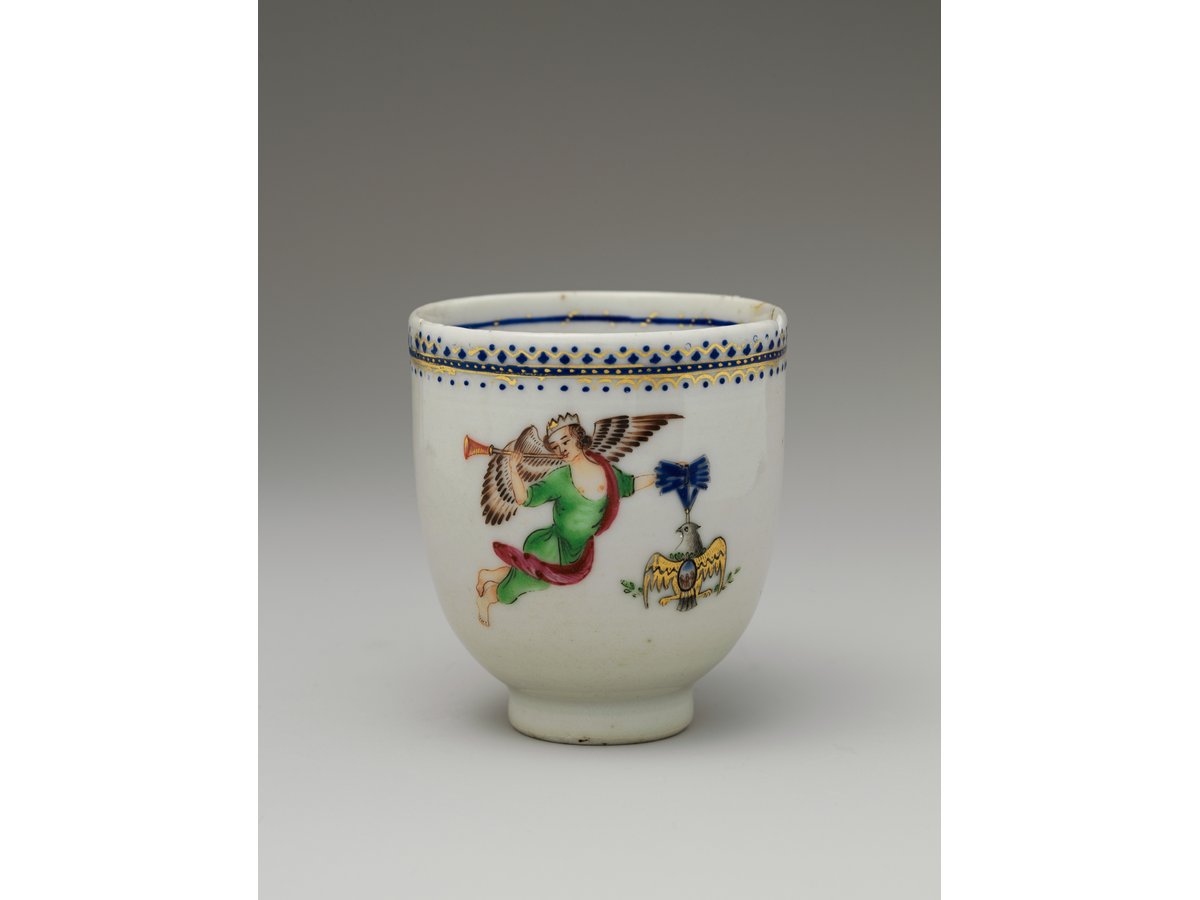
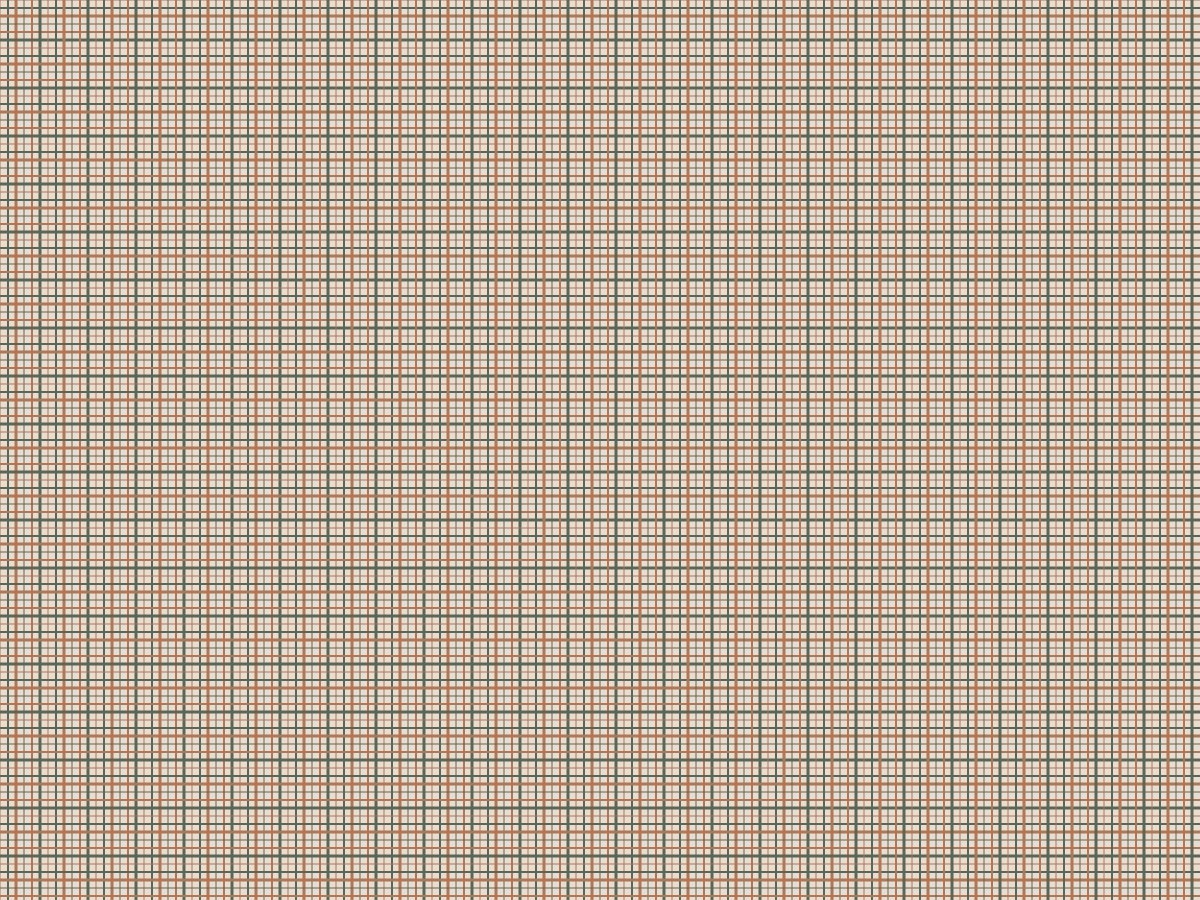
The woven pattern favors PNG; the seeded noise favors JPG over WebP. These fixtures demonstrate dependence on image content, not a universal format ranking. Your browser and marketplace can encode differently.
Image sources and reproduction
Photographs: Coffee Cup, The Metropolitan Museum of Art; Coffee cup and coffee bean, mcfoodie. Both are CC0. They are third-party test material, not photographs taken by this project. Pattern, text, transparency and noise fixtures are generated tests.


Measured 2026-10-20 with sharp 0.35.4, libvips 8.18.6, Node 24.13.1. Download all dimensions, byte counts and SHA-256 hashes. Reproduction script.
Handle transparent backgrounds
JPG cannot carry an alpha channel. Converting a transparent graphic to JPG requires a background choice. A white label on a transparent background can appear to disappear on white, while a black composite can create an unwanted dark rectangle.
Image Prep deliberately composites every export onto its selected background, including PNG and WebP outputs. It is therefore unsuitable when the task requires retaining transparent pixels. Use an editor with an explicit alpha-preserving export for that task. The separate transparent sample below lets you inspect white and black composites without guessing.
Flattening chooses a background
The same transparent source is composited onto two backgrounds. These JPG outputs cannot retain transparency. Select the background before exporting instead of expecting a file extension to choose it for you.
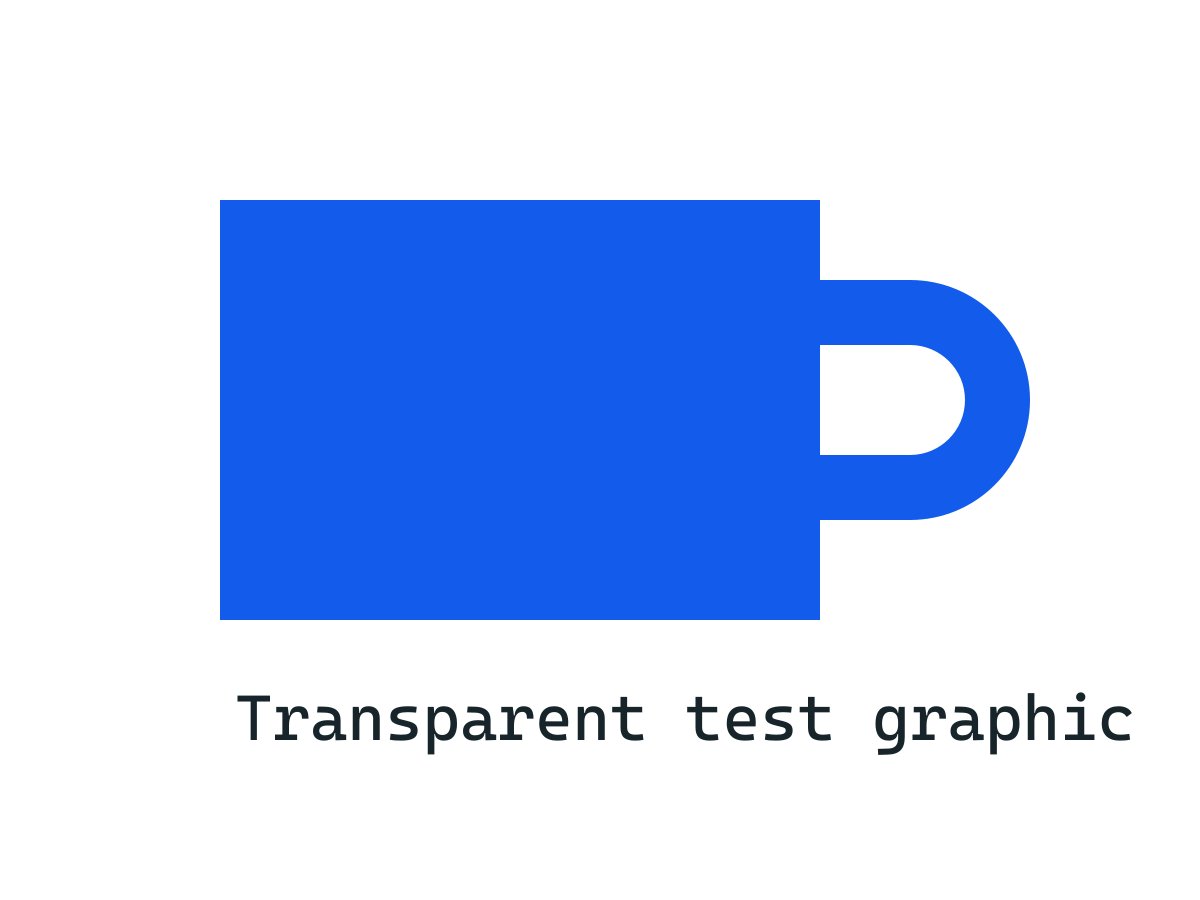
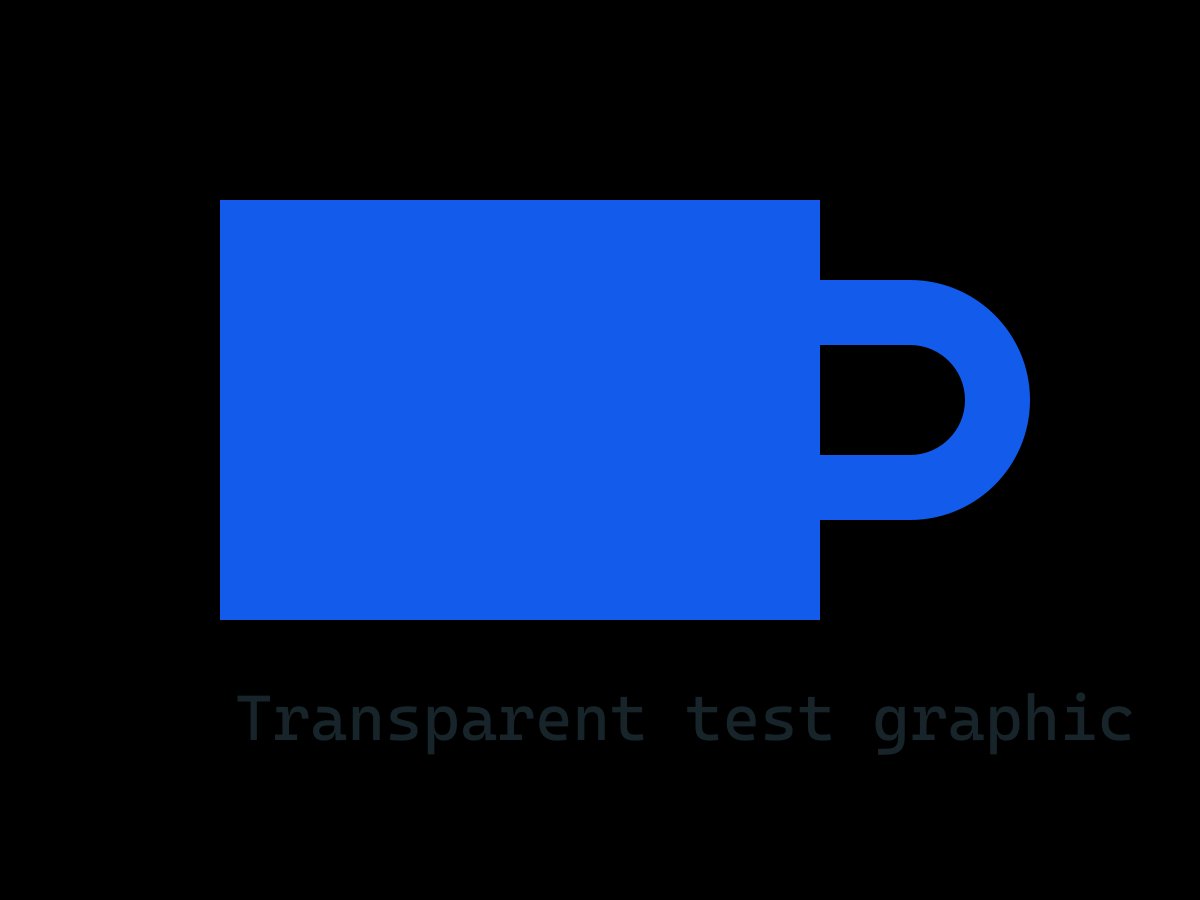
Download the PNG with its alpha channel and open it over different backgrounds in an alpha-aware editor. The input is a generated test graphic.
Image sources and reproduction
Photographs: Coffee Cup, The Metropolitan Museum of Art; Coffee cup and coffee bean, mcfoodie. Both are CC0. They are third-party test material, not photographs taken by this project. Pattern, text, transparency and noise fixtures are generated tests.
Measured 2026-10-20 with sharp 0.35.4, libvips 8.18.6, Node 24.13.1. Download all dimensions, byte counts and SHA-256 hashes. Reproduction script.
Inspect the visual cost
Download the files and view them at normal display size, then at 100%. Inspect fine lettering, diagonals, high-contrast edges and texture. A lower byte count is not useful if a product label becomes unreadable or a texture loses important detail.
In this reference set, the woven pattern's PNG is much smaller than its JPG, while the seeded noise JPG is smaller than its WebP. Random noise is a stress case rather than a normal product photograph. These examples overturn a blanket format ranking, but do not tell you which format every future photograph needs.
- Make each variation from the same original, with unchanged dimensions and background.
- Record actual MIME type and bytes; a browser can fall back to another format.
- Compare important detail at the size your customer will see.
- Repeat with an image containing different detail before choosing a batch setting.
- Upload a representative result to the intended destination and inspect its saved preview.
Keep an editable original
Repeatedly saving a lossy export can compound damage. Keep an original and start every new comparison from it. Enlarging a blurred source adds pixels without restoring the missing information.
Canvas export creates a newly encoded file; it is not an archival copy of original EXIF/IPTC metadata and color-profile behavior. Compare important colors with the original and keep the source separately. PNG ignores the canvas quality parameter, which is why the tool disables that slider for PNG.
How this guide was made
Written from the documented sources and downloadable examples on this page. Reference-encoder results explain the file decisions; the final browser output and destination preview still need checking.
Reference: MDN: toBlob formats, quality, PNG defaults and fallback